
POWERAnimate Subscribe
NEW
2.1.2!

Make animated videos.
It's easy!

Drag in characters and places, make them walk, talk and dance, add music and effects, and export a cartoon ready for YouTube — all in one friendly studio.

Then $9.99 a month or $79 a year · Windows and Linux

▶ Watch the video
Max and Lily show you every feature. Made with Power Animate — every frame, voice and sound.
A sunny hill full of Power Animate characters waving, dancing and cheering

Make a cartoon in 3 easy steps

  1. 1A road trip scene with mountains, trees and a red car

    Pick your stars

    Choose from dozens of characters and places, or build your own in the Character Studio and Scene Designer.

  2. 2A dad shouting at his son in a living room, with a speech bubble

    Make them move & talk

    Drag them along a path, pick an action and a face, and type what they say. The mouths move with the words.

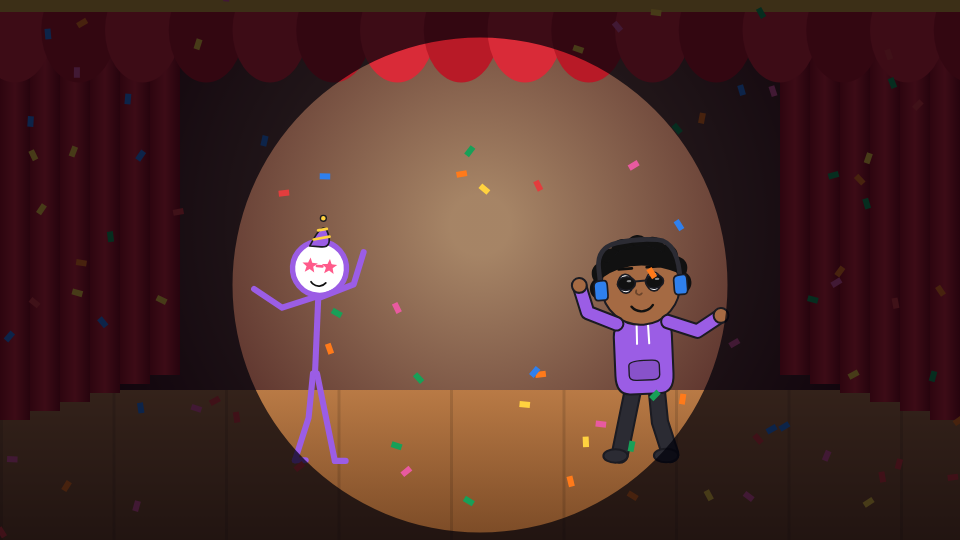
  3. 3Two characters dancing on a stage with confetti and a spotlight

    Share it

    Add music, sound effects and glitch effects, then export an MP4 for YouTube or YouTube Shorts, made frame by frame so it never stutters.

Everything you need to make it move

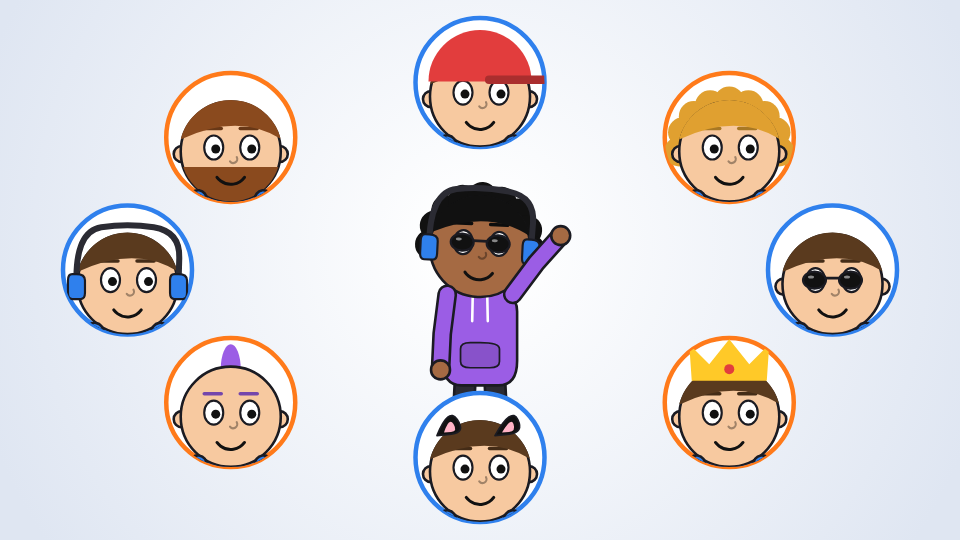
A character in the middle of a ring of different hats, hairstyles and glasses
Character Studio

Dress up anyone, any way you like

One big screen for everything about a character: style, body shape, face, hair, hats, clothes and 31 accessories — from sunglasses and crowns to wings and capes. Every choice is a picture you click, and 🎲 makes a brand-new character in one go.

  • Hundreds of mix-and-match parts
  • Draw any body part yourself, with pen pressure
  • Give parts extra looks — eyes closed, a fist, blowing hair
Different characters you can make 345,038,719,166,429,628,727,296,000 That's over 345 septillion — make one a second and you'd still be going after 11 quintillion years. Counting only the picture tiles. Add any colour, the body-shape sliders and your own drawings, and there's no end to it.
A layered road scene with clouds, mountains and trees
Scene Designer

Build a whole world behind them

Pick a place, then stack scenery — hills, trees, cities, fog — and watch it slide past at different speeds as the camera pans. Set the time of day, add rain or snow, and make the scenery roll by for walking and driving shots.

  • 25 places and 12 scenery layers
  • Camera moves: pan, push in, pull out, rise
  • Sunset, dusk, night, rain, snow and more
A professor explaining in a classroom while two students listen
Voices & lip sync

Characters that really talk

Type a line, pick a voice, and choose who says it. Mouths take the right shape for every sound — open for “ah”, round for “oo”, teeth for “ee”. Built-in voices come with Power Animate and work without internet, plus a few hand-picked online voices and the ones already on your computer.

  • Text-to-speech with real lip sync
  • Record your own voice
  • 27 actions and 19 expressions, all picked from pictures
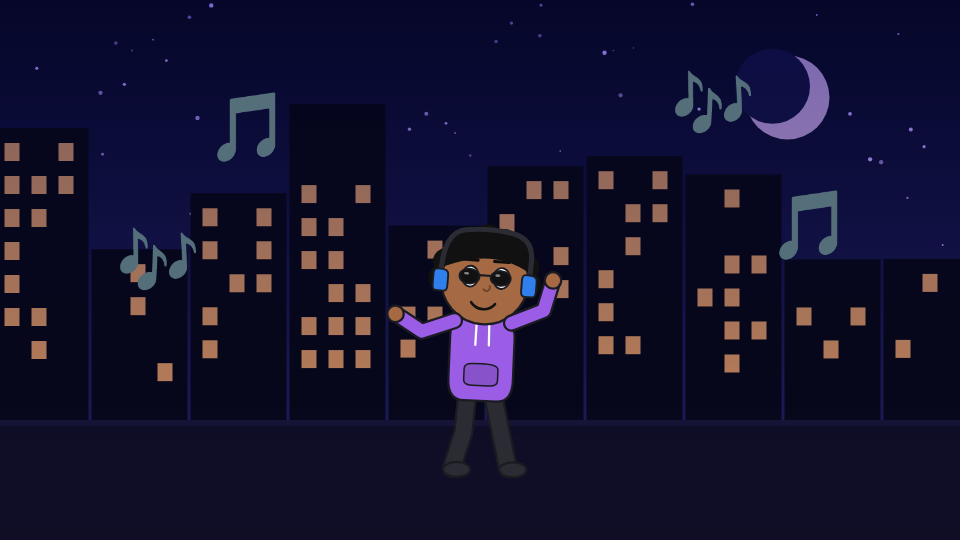
A DJ with headphones dancing in a night city with music notes
Music & sound

A soundtrack for every story

Twelve original music loops, eight tracks by Kevin MacLeod, and 40 sound effects — slide whistles, ba-dum-tss, dramatic stings, sirens, crickets and more. Power Animate even shows you the credit line to paste when you upload.

  • 20 music tracks, 40 sound effects
  • Drop in your own audio
  • An optional Power Animate ending with a logo sting
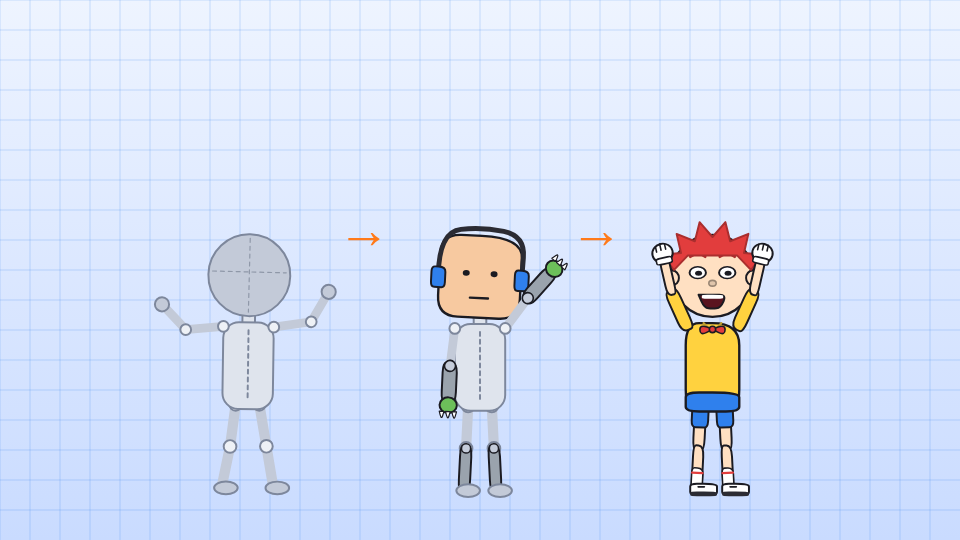
A grey mannequin rig turning into a robot and then into a fully drawn cartoon boy
Rigs & motion

Animate like a pro, start like a beginner

Start from a blank rig and dress it part by part, pose any character joint by joint, or capture moves from a cartoon video and put them on your character. Characters can do more than one move at a time along smooth, curved paths.

  • Pose & animate maker and Face maker
  • Motion capture from cartoon videos
  • Parallax camera and curved movement paths

Five styles to tell your story

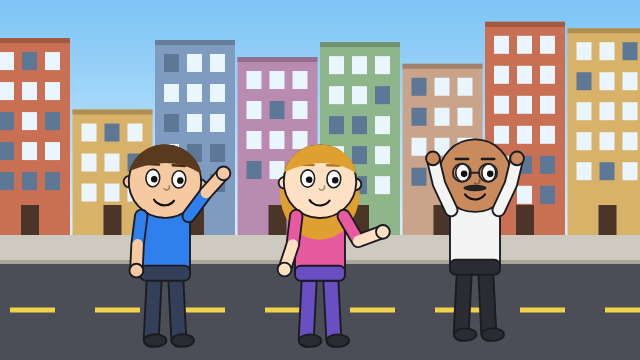
Cartoon style characters on a city street
CartoonsBig heads, bright colours, everyday comedy
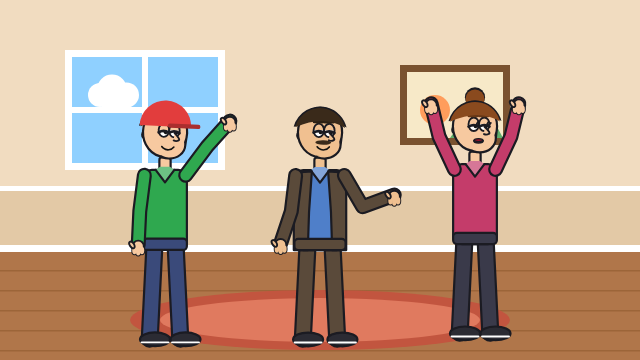
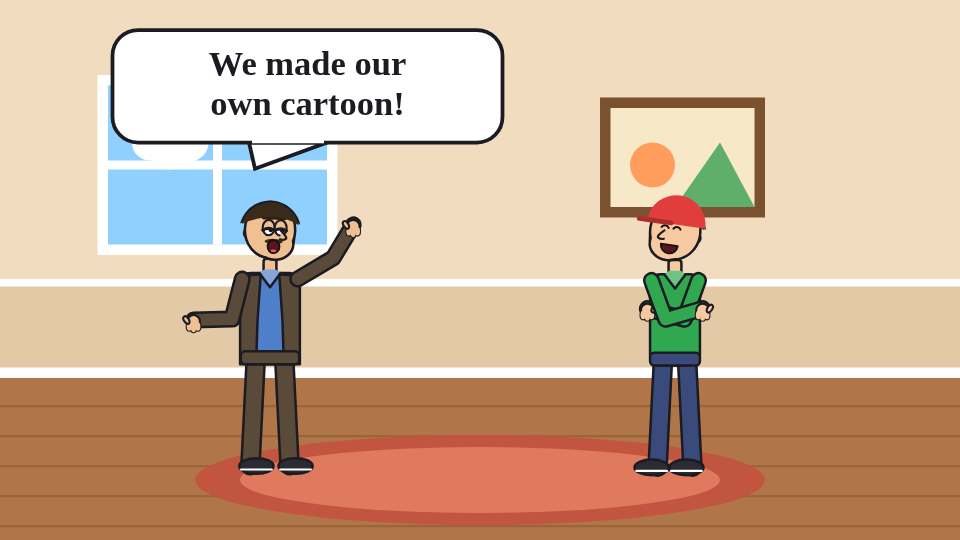
Family Sitcom style family in a living room
Family SitcomSitcom families and big reactions
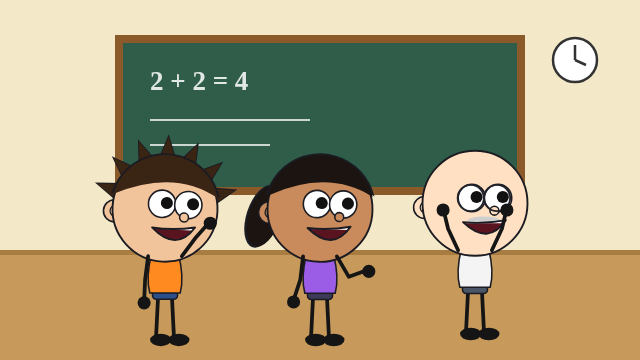
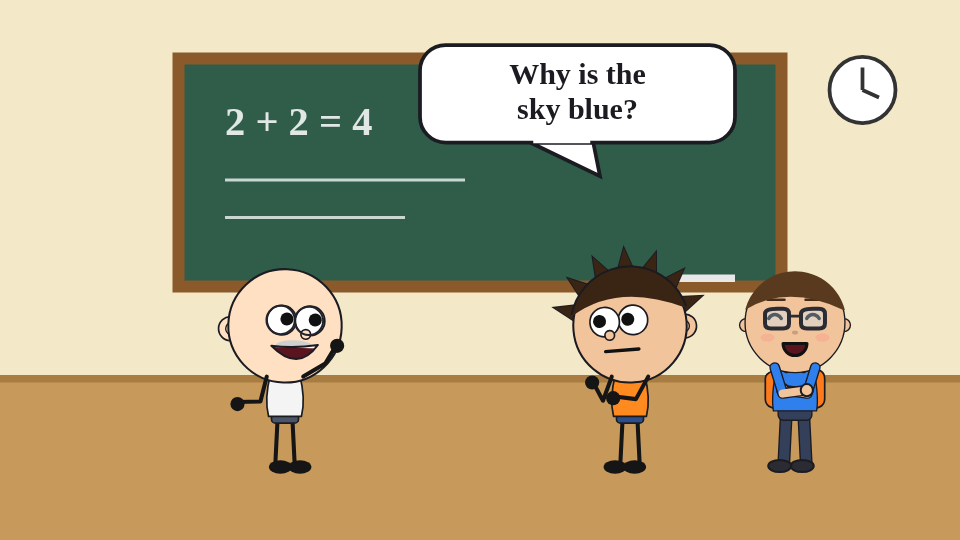
WhySum style kids in a classroom
WhySumRound faces for explain-it videos
Fairly realistic characters in an office
Fairly RealisticFor business and stories
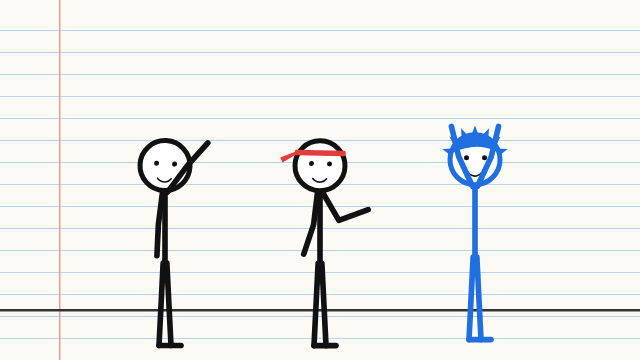
Stick figures on notebook paper
Stick GuysBold stick figures on paper

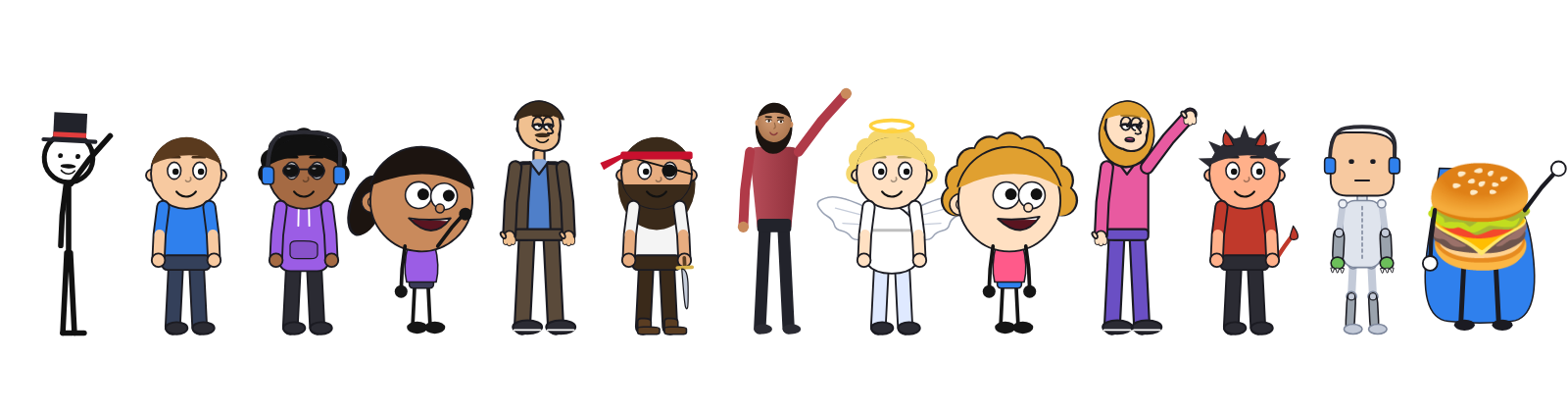
Meet the cast — 80+ ready-made characters

Superheroes, wizards, pirates, princesses, teachers, sitcom families, robots and even talking burgers. Edit any of them, or build your own.

A row of Power Animate characters: a stick gentleman, Max, DJ Dee, a WhySum girl, a sitcom dad, Pirate Pete, a realistic woman, Angel Ava, a WhySum girl, Bella, Little Dex, Robo Rex and Super Burger

What's new in 2.1.x

2.1.2 Smoother export

⚡

Faster, smoother export

Videos are made frame by frame instead of recorded as they play: quicker than watching them, no dropped frames, and it keeps going while you do something else.

🧢

Badges on hats

Draw a logo or a letter on a character's cap or glasses, and it stays in front.

🥁

Beatbox sound effect

A brand-new beatbox groove for dance-offs and rap battles.

2.1.1 Voices, tracking and photos

🗣️

Built-in voices

Thirteen voices that come with Power Animate and work with no internet, from deep narrators to an old-cartoon squeak.

🎥

Smarter motion capture

Copy moves from a video, a YouTube tab or your webcam. Cartoons are tracked frame by frame, and real people automatically, face and all.

📸

Me from a photo

Make a character that looks like you from a photo, a video or your webcam. Your photo never leaves your computer.

✂️

Snipping tool

Cut out part of any picture or video frame and use it on the stage, as a background or as a prop.

✏️

Draw both arms

Draw arms and legs the same on both sides, mirrored, or each one different.

🏫

Fresh styles

WhySum and Family Sitcom characters redrawn, with the classic looks kept too.

2.1 Character Studio and Scene Designer

🎨

Character Studio

Every character tool on one full-screen page, with picture tiles and a randomize button.

🏞️

Scene Designer

Build backgrounds with scenery, weather, time of day and camera moves, with a live preview.

🎀

31 accessories

Glasses, masks, hats, crowns, halos, scarves, medals, wings, capes, tails, wands and swords.

😄

Picture pickers

Choose a character's action and expression from big pictures instead of lists.

🤖

Blank rig

Build a character part by part from a mannequin, and hide the mannequin in your video.

⭐

21 new characters

Captain Zoom, Wizard Wendell, Pirate Pete, Princess Pearl, Robo Rex and friends.

How Power Animate compares

Power AnimateVyond(formerly GoAnimate)Animaker
Price$9.99 a month or $79 a year; free 7-day trialStarter about $58 a month billed yearly, or $99 billed monthly; free trial onlyFree plan with watermarked videos; paid plans about $19–$80 a month
Where it runs✔ Desktop app for Windows and LinuxIn your web browserIn your web browser
Works without internet✔ Yes, built-in voices included✖ No, internet required✖ No, it's web-based
Where your work is kept✔ On your own computerYour online accountYour online account
Character creator✔✔✔
Automatic lip sync✔✔✔
Text-to-speech voices✔ Built-in offline voices, plus online and your computer's own✔ 780+✔
AI video tools✖ Not yet✔ Script-to-video, AI avatars, voice cloning✔

Power Animate extras

  • Draw any body part yourself, with pen pressure
  • Motion capture from cartoon videos
  • Parallax scenery and camera moves
  • Build characters from a blank rig
  • 31 accessories and 80+ ready-made characters
  • Export for YouTube and YouTube Shorts

Prices and features as published by each company and in independent reviews, checked November 2026; theirs may have changed since, so check their sites. Vyond and Animaker are trademarks of their owners. Power Animate is not affiliated with Vyond or Animaker.

One plan. Everything included.

Monthly
$9.99/ month

Billed every month. Cancel any time.

Subscribe monthly
Yearly · save 34%
$79/ year

Just $6.58 a month, billed once a year.

Subscribe yearly

Every plan includes

  • The full studio on Windows and Linux
  • Every character, style, place and accessory
  • Character Studio and Scene Designer
  • Text-to-speech with lip sync
  • All music and sound effects
  • Smooth MP4 export for YouTube and YouTube Shorts, no watermark
  • Use it on up to 3 of your computers
  • Works offline, and every update as it comes out

Not sure yet? Try it free for 7 days first, no card needed.

Prices in US dollars. Any sales tax or VAT is worked out at checkout. Payments and tax are handled securely by Lemon Squeezy.

Try it free for 7 days

🪟

Windows

Windows 10 or 11. Installs in a minute and opens in its own window.

Download for Windows
🐧

Linux

Linux Mint, Ubuntu, Debian and more, with a step-by-step setup.

Download for Linux
💾

Portable

Run it straight from a USB stick on Windows or Linux.

Download portable

How the free trial works

  • Everything is unlocked for 7 days, no sign-up or card needed
  • Videos you export during the trial carry a large poweranimate.net watermark
  • After 7 days, exporting and some tools need a subscription, and your projects are always kept
  • Subscribe any time and enter your product key to remove the watermark

Help with activating, moving to another computer or cancelling

Opens in its own window using Microsoft Edge, Google Chrome or Chromium. About 125 MB to download.